
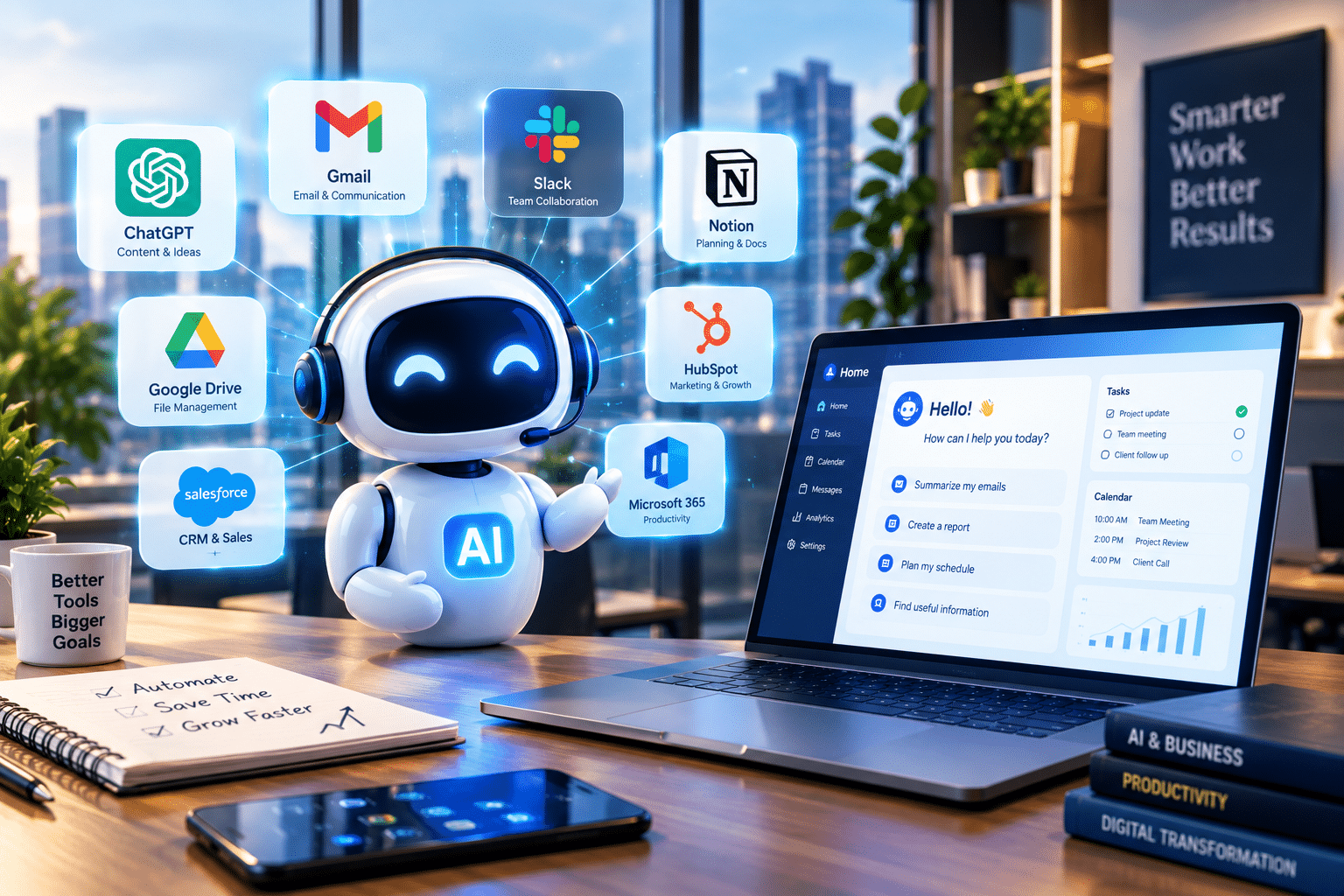
Running a company today involves managing relentless administrative friction. Operations leaders, department heads, and solo founders frequently lose dozens of hours every month drafting routine correspondence, coordinating calendars across time zones, and consolidating fragmented reporting sheets. The pressure to deliver higher output without expanding headcount has made digital leverage a core operational requirement rather than an optional tech experiment.
Modern software tools have evolved beyond basic chatbots. Adopting an AI assistant for business enables organizations to delegate multi-step administrative workflows, automate routine communication, and analyze complex internal data with precision. Companies that integrate these systems effectively free their knowledge workers from repetitive low-value tasks and build durable operational efficiency.
What Is an AI Assistant for Business?
An AI assistant for business is an intelligent software application that leverages advanced machine learning models, tool calling capabilities, and contextual enterprise data to execute routine workplace tasks autonomously. Rather than simply offering canned responses, modern business assistants connect directly with software ecosystems such as email clients, spreadsheets, customer relationship management databases, and project boards.
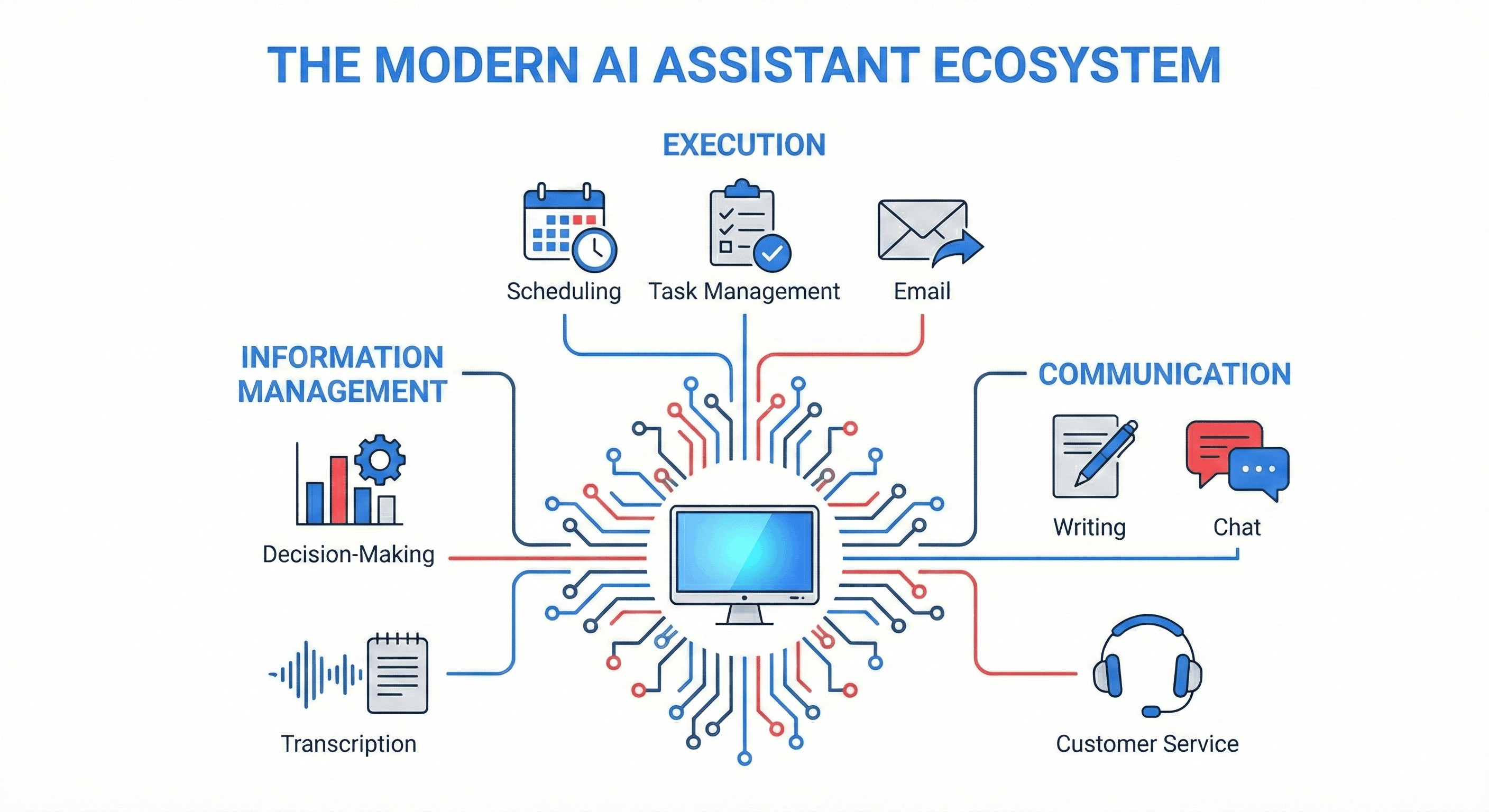
Key capabilities include:
- Managing communication channels by drafting emails, summarizing client exchanges, and routing tickets
- Analyzing unstructured internal files, spreadsheets, and operational reports into concise summaries
- Automating cross-platform scheduling and updating task backlogs without manual data entry
- Triggering multi-step workflows across productivity tools via natural language instructions
Why Deploying Workplace AI Matters in 2026
The enterprise technology landscape has shifted from passive information storage to active task execution. Academic research published in the Social Science Review on enterprise AI automation underscores that intelligent virtual assistants fundamentally reshape workforce performance by eliminating frictional administrative overhead. Employees no longer spend their prime morning hours manually transcribing team meetings or cross-referencing supplier documents.
Furthermore, field research in Management Science examining human-AI collaboration reveals that combining human judgment with algorithmic task assistance yields significantly higher operational throughput than relying on manual labor alone. By offloading routine cognitive chores to dedicated assistants, knowledge workers can focus their time on strategic negotiations, client relationships, and creative problem solving.
The Best AI Assistant Tools for Business in 2026
Selecting the right tool depends heavily on your team’s existing technology stack and daily operational bottlenecks. Below is an overview of the highest-performing business AI assistants currently driving enterprise value:
| Tool | Core Strength | Ideal Business Use Case | Deployment Fit |
|---|---|---|---|
| Microsoft 365 Copilot | Deep native office integration | Document drafting, email summarization, and Teams meeting actions | Enterprise teams built on Outlook and Word |
| Claude Cowork / Workspaces | Long-context document reasoning | Research synthesis, technical writing, and workflow routines | Teams handling complex briefs and data files |
| Google Workspace Gemini | Cross-app cloud automation | Inbox management, spreadsheet analysis, and slide generation | Companies using Google Drive, Docs, and Gmail |
| Zapier Central | Cross-platform bot triggers | Syncing leads from forms into CRMs and automated slack alerts | Operations teams connecting disparate SaaS tools |
| Fireflies.ai / Otter.ai | Meeting intelligence and transcription | Automatic action-item logging and client call summaries | Sales, agency account managers, and remote teams |
1. Microsoft 365 Copilot: Comprehensive Enterprise Synergy
For organizations entrenched in Microsoft infrastructure, Copilot provides native assistance inside Teams, Word, Outlook, and Excel. It excels at extracting data across internal files to assemble executive summaries and draft personalized follow-ups immediately following conference calls.
2. Claude Workspaces: Deep Strategic Analysis
Built by Anthropic, Claude is tailored for businesses handling dense textual data, nuanced proposals, and complex analytical workflows. Its expanded context window allows teams to feed extensive product documentation, vendor contracts, or project archives into conversations to extract immediate, reliable insights.
3. Zapier Central: Autonomous Operational Agents
When your operational processes involve multiple distinct software subscriptions, Zapier Central bridges the gap. It allows managers to assign autonomous actions, such as qualifying incoming sales inquiries, updating CRM records, and sending targeted notifications to internal communication channels.
How AI Assistants Function Across Business Workflows
To understand how modern digital assistants operate in a corporate setting, watch this technical breakdown explaining how procedural agent skills, large language models, and external tools unite to automate business decisions:
4 Concrete Business Use Cases for 2026
Modern digital assistants are not theoretical novelties; they solve real business bottlenecks every working day across multiple corporate departments.
Financial Operations and Document Extraction
In financial administration, manual invoice reconciliation consumes considerable labor. A specialized assistant scans supplier PDF files, extracts line items, validates tax identifiers against company accounting databases, and prepares preliminary reconciliation reports for review. This workflow accelerates financial closing cycles without risking unverified entries.
Executive Scheduling and Inbox Clearance
Executives frequently spend more than an hour each morning reading, triaging, and archiving operational correspondence. A properly configured email assistant reviews incoming threads, tags high-priority customer escalations, drafts contextual replies based on past correspondence templates, and blocks calendar slots for critical follow-up meetings.
Real-Time Customer Experience Augmentation
Client-facing support teams utilize intelligent assistants to instantly retrieve account histories, answer detailed technical questions from documentation libraries, and draft resolution messages. Rather than placing a customer on hold for twenty minutes, the representative reviews an AI-generated resolution instantly, ensuring human empathy accompanies automated speed.
Marketing Strategy and Content Production
Marketing teams deploy assistants to transform lengthy product demonstration transcripts into multi-channel campaigns. A single prompt workflow can extract customer pain points, produce draft email sequences, suggest relevant social media summaries, and organize publication schedules into collaborative boards.
Step-by-Step Implementation Guide: Integrating AI into Your Team
To avoid chaotic software rollouts and wasted subscriptions, follow this four-step adoption roadmap:
Step 1: Map High-Frequency, Low-Risk Workflows
Begin by cataloging tasks that consume repetitive hours each week but require minimal strategic discretion. Meeting transcription, status reporting, initial email filtering, and customer ticket categorization provide optimal starting points.
Step 2: Establish Corporate Governance and Data Boundaries
Never introduce artificial intelligence tools without clear data safety boundaries. Follow standard frameworks such as the NIST AI Risk Management Framework to govern confidential inputs, verify data privacy agreements, and prevent intellectual property leakage into public training datasets.
Step 3: Implement Human-in-the-Loop Verification
Autonomous execution without oversight invites errors and hallucinated details. Mandate that every AI-generated contract review, customer message, or financial summary receive formal approval from an assigned staff member before distribution.
Step 4: Train Employees on Procedural Prompting
A tool is only as capable as the instructions it receives. Provide internal workshops teaching employees how to structure clear prompts that include context, operational constraints, explicit format instructions, and verifiable source documents.
Frequently Asked Questions
What is the primary difference between a chatbot and a business AI assistant?
A basic chatbot typically follows predetermined rule trees to deliver pre-written answers. A business AI assistant uses machine learning reasoning to interpret unstructured prompts, retrieve live data from corporate databases, and execute multi-step workflows across external business applications.
Can small businesses afford AI assistants in 2026?
Yes. Most leading AI assistants offer flexible per-seat pricing models ranging from $20 to $35 per user per month. Small companies can deploy these tools incrementally without large upfront capital expenditure on proprietary software development.
How do businesses protect sensitive client data when using AI assistants?
Organizations protect confidential information by utilizing enterprise-grade subscription tiers that guarantee user inputs are not used for public model training. Companies should also establish strict internal policies that restrict employees from pasting proprietary client records into unsecured public consumer apps.
Final Thoughts: Building a Scalable Digital Workforce
Adopting an intelligent assistant is no longer about testing novel software; it is about building sustainable operational capacity. By systematically automating repetitive administrative burdens, organizations protect their teams from burnout and enable top talent to focus on high-impact initiatives.
For additional analysis on emerging enterprise technology and digital transformation trends, explore our in-depth guides at TechNewsHealth. Choose one workflow today, test a reliable assistant tool, and witness firsthand how automated execution accelerates business productivity.
Leave a Reply